 Free · No ads · No sign-in
Every document.
One private reader.
TJ Reader opens PDF, Word, Excel and PowerPoint files right on your phone. Nothing you open is ever uploaded – your history stays on your phone.
Open it, read it, share it. Nothing more.
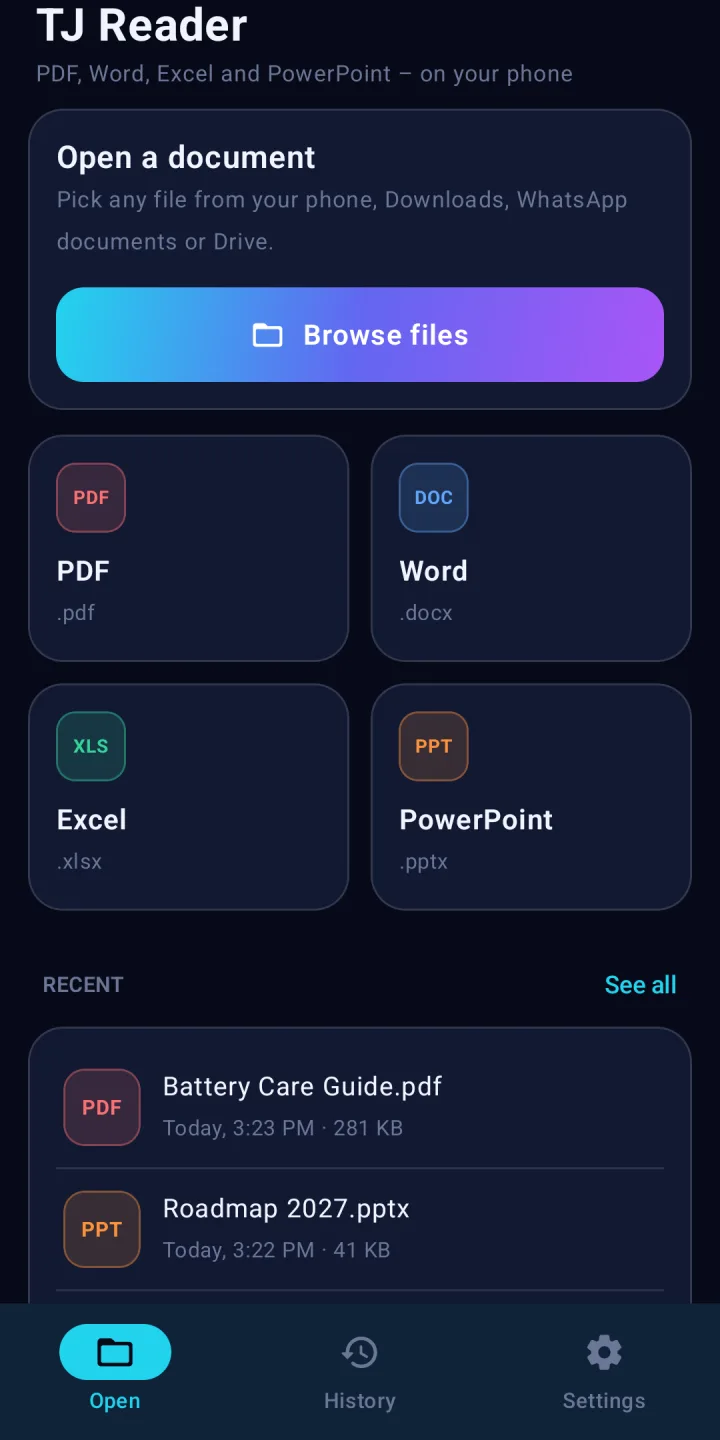
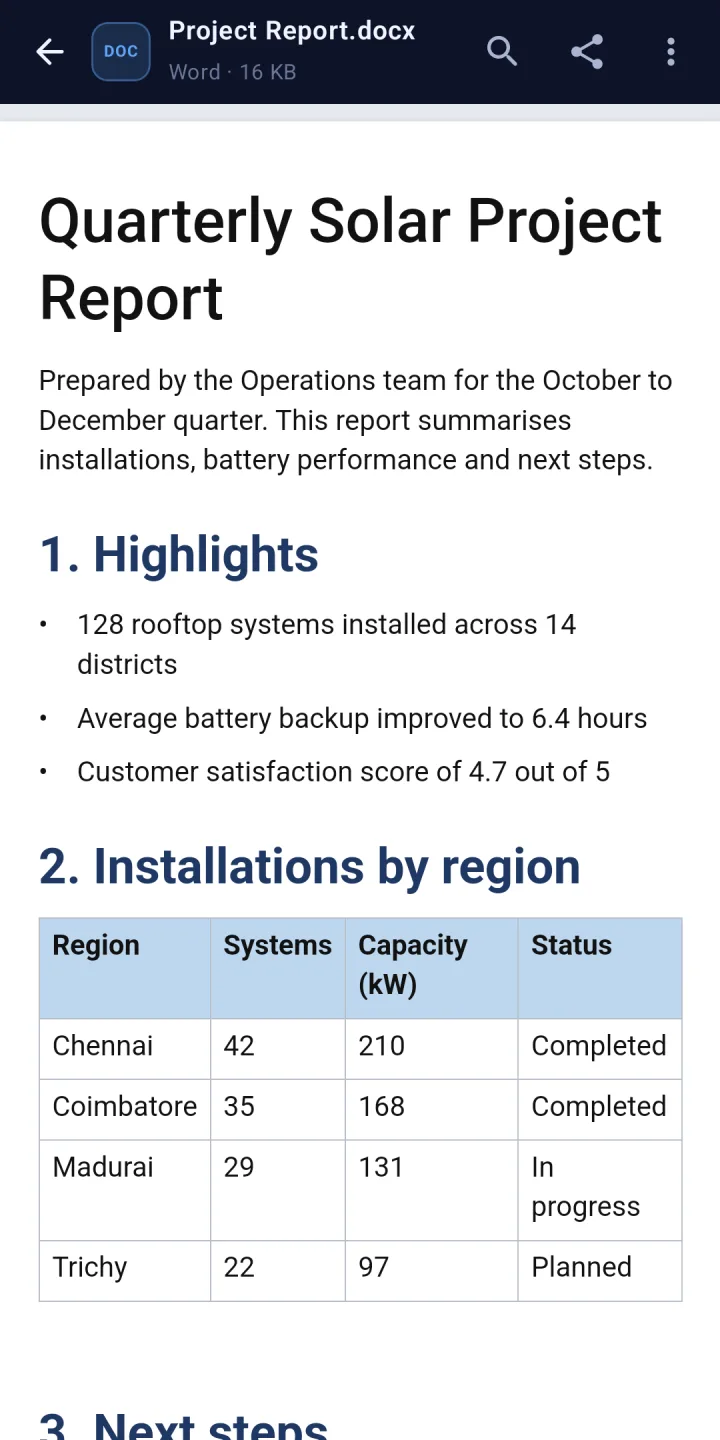
- PDF, Word, Excel, PowerPoint.pdf, .docx, .xlsx, .pptx – plus text and CSV files. One app for all of them.
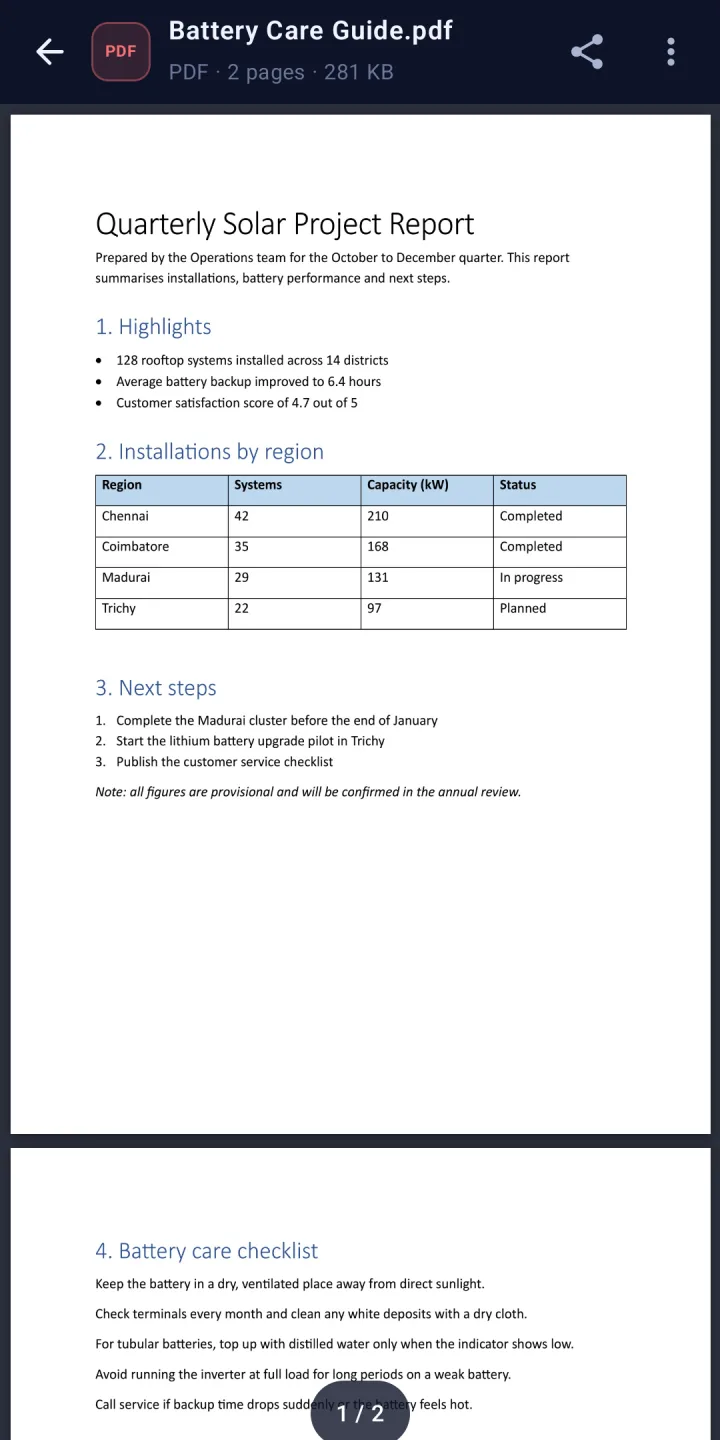
- Sharp PDF pagesDrawn by Android's own PDF engine. Pinch to zoom, jump to any page, pick up where you left off.
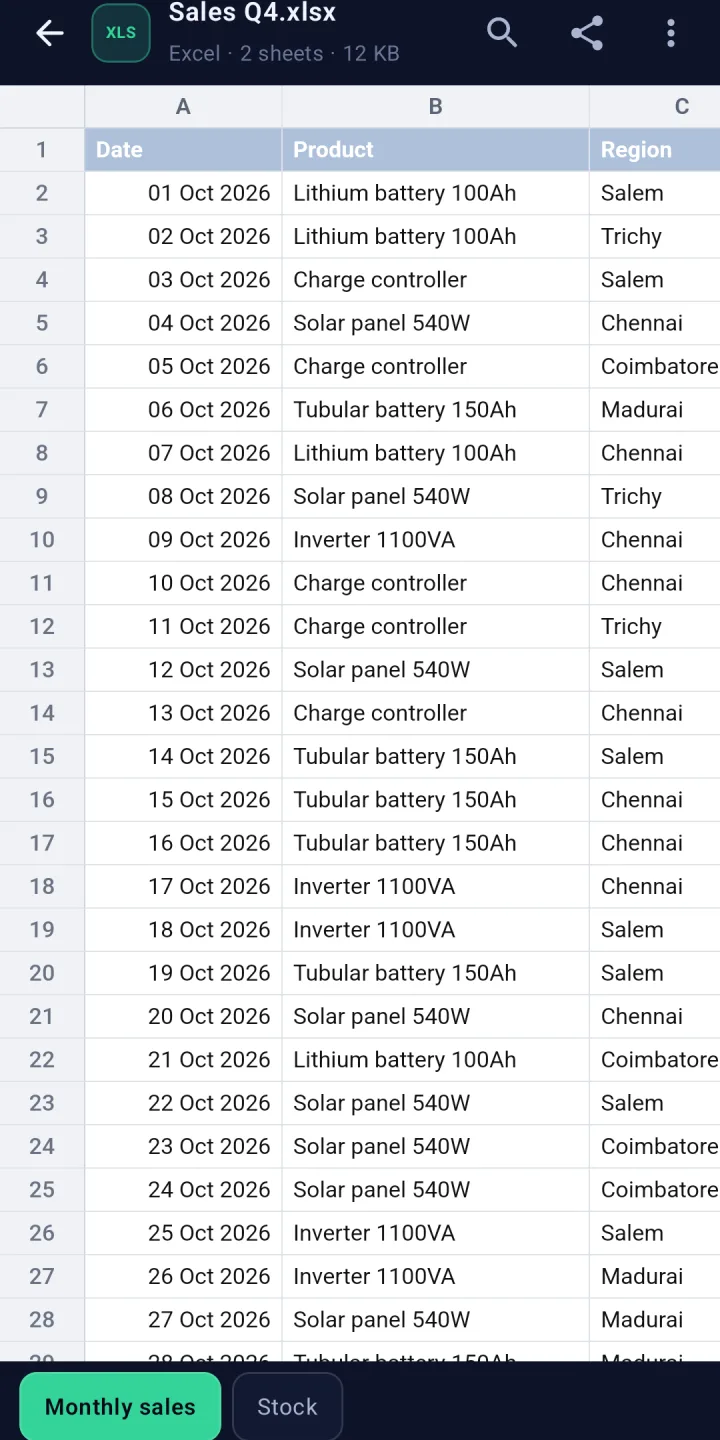
- Spreadsheets that make senseEvery sheet in its own tab, dates and numbers formatted as in Excel, frozen row and column headers.
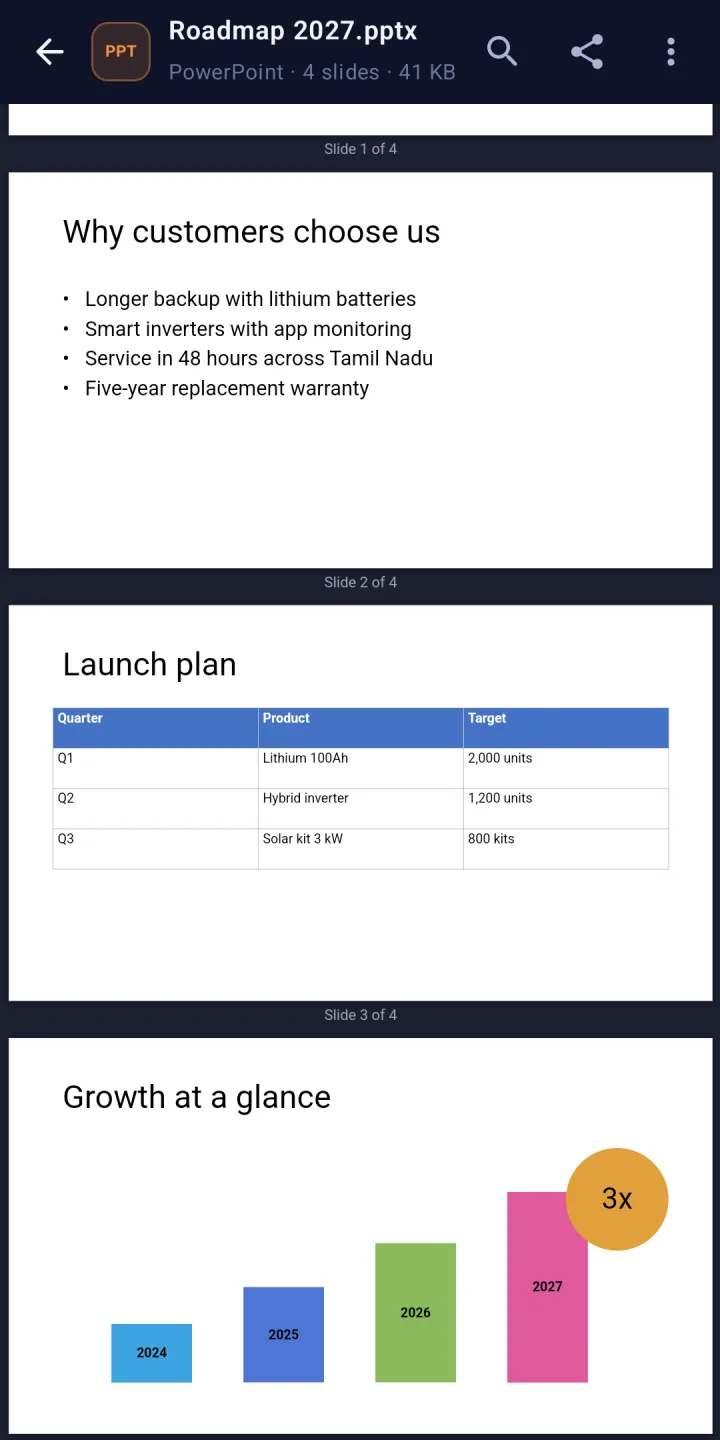
- Slides at a glanceText, pictures, shapes, tables and backgrounds on every slide, one after another.
- Find, night reading, printSearch inside Word, Excel and PowerPoint files, read in the dark, print or save as PDF.
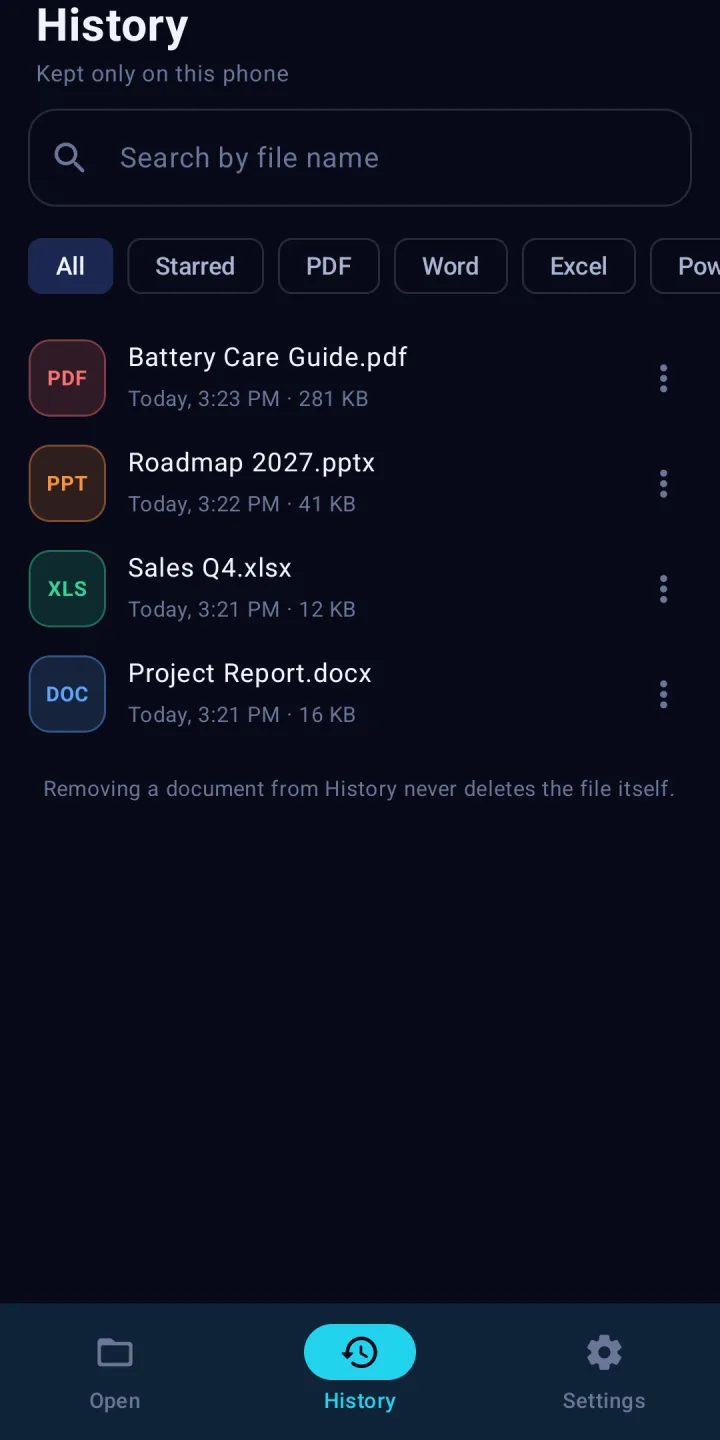
- History on your phoneReopen any document in one tap. Search, star, remove one or clear all – or switch history off.
Private by design
Your documents are opened on the phone and never leave it unless you share them. No account, no ads, no trackers – and no storage permission: you choose each file in Android's own file picker.
- Files, file names and contents are never sent to us.
- History is kept in the app's private storage and left out of cloud backups.
- The only thing sent: a once-a-day anonymous count (random install number, app version, Android version). Switch it off in Settings.
- Documents never run code and never load anything from the internet inside the reader.
A look inside
Questions
Is TJ Reader free?
Yes. TJ Reader is free, with no ads, no sign-up and no in-app purchases.
Which files can it open?
PDF, Word (.docx), Excel (.xlsx), PowerPoint (.pptx and .ppsx), plain text (.txt) and CSV files. The older binary formats from before 2007 (.doc, .xls, .ppt) are not supported yet – TJ Reader tells you so and offers to open them in another app.
Does TJ Reader upload my documents?
No. Every document is opened on your phone. Nothing you open – not the file, not its name, not its contents – is sent to us. The only thing the app sends is an anonymous once-a-day count (a random install number, the app version and the Android version) so we know how many people use it, and you can switch that off in Settings.
Where is my history kept?
Only on your phone. History lists the documents you opened so you can open them again in one tap, right where you left off. You can search it, star files, remove entries or clear it, or turn it off completely. Removing an entry never deletes the file itself.
Can I edit documents?
No. TJ Reader is a viewer: it opens, searches, shares and prints documents, but does not change them.
Can I open files from WhatsApp, Gmail or Drive?
Yes. Tap Browse files and pick the file, or use "Open with" or "Share" in the other app and choose TJ Reader. Files shared from other apps can often not be reopened later, so TJ Reader can keep a private copy on your phone for History (you can switch that off and free the space in Settings).
Can it open password-protected files?
Not yet. Locked PDFs and password-protected Office files are not supported; TJ Reader offers to open them in another app.
How do I install the APK?
Tap Download, open the downloaded file and allow "Install unknown apps" for your browser when Android asks, then tap Install. TJ Reader will be on Google Play soon.
Which phones can use it?
Any Android phone with Android 8.0 or newer.
APK SHA-256: 27fa85d14e8afe20b66594703a44a4ef89c6d3428670eb84bb4dc26c76397ea8